The GitHub Integration in Orangescrum Cloud bridges your project tasks and your development workflow.
By connecting your GitHub repository, you can link commits, pull requests, and code updates directly with Orangescrum tasks — giving your team complete visibility from code to completion.
No more switching between tools. Manage project progress, issues, and commits all in one place.
Key Benefits
✅ Automatic Tracking: Sync GitHub commits and pull requests to corresponding Orangescrum tasks.
✅ Improved Collaboration: Let non-developers see project progress without accessing GitHub.
✅ Traceability: Know exactly which code changes relate to which task or bug.
✅ Productivity Boost: Developers can close tasks via commit messages using task IDs.
How to Set Up GitHub Integration
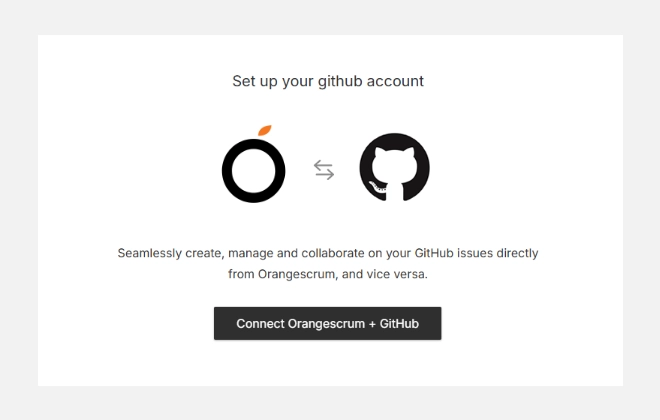
- Go to Settings → Integrations → GitHub.
- Click on Add Sync to begin setup.
- Authorize Orangescrum to access your GitHub account.
- Select the repository you want to connect to.
- Configure your sync preferences (e.g., push updates, pull requests, or commit linking).
- Save your configuration — your GitHub data will now begin syncing automatically.
Using the Integration
Once integrated:
- Each commit or pull request referencing a task ID (e.g., #123) will automatically link to that task in Orangescrum.
- The task’s activity stream will display the associated GitHub updates.
- Team members can review code history, status, and contributors without leaving Orangescrum.
You can disconnect or modify your sync settings anytime by returning to this GitHub integration page and selecting “Edit” or “Remove Sync.”
Best Practices
- Use consistent task IDs in your commit messages (e.g., “Fix validation bug #205”).
- Assign proper access rights — only authorized users should connect repositories.
- Sync only relevant repositories to avoid unnecessary clutter.
Troubleshooting
If commits aren’t syncing:
- Verify that your GitHub repository is linked to the correct workspace.
- Ensure task IDs exist and are referenced properly in commit messages.
- Reauthorize GitHub if tokens have expired.
Summary
| Feature | Description |
| Sync Repositories | Connect multiple GitHub repositories with Orangescrum projects. |
| Commit Linking | Automatically link code commits to Orangescrum tasks. |
| Pull Request Tracking | View pull requests and merges in task history. |
| Activity Visibility | Get real-time updates on code progress within Orangescrum. |
With GitHub Integration, Orangescrum becomes your all-in-one development dashboard — connecting planning, execution, and delivery in one synchronized flow.